Tips for Creating a Cosy and Productive Home Office Space
gyhunuo.pro >> population>> Tips for Creating a Cosy and Productive Home Office Space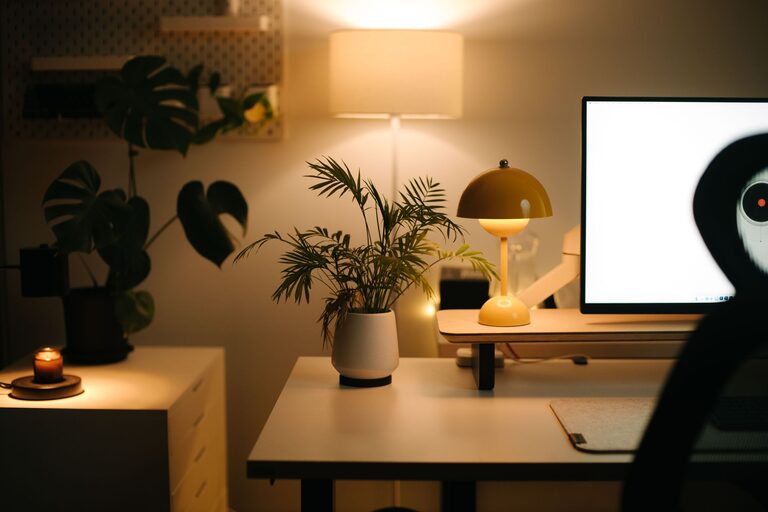
Tips for Creating a Cosy and Productive Home Office Space
Creating a home office that feels cosy while also supporting your productivity can be a rewarding project. Since many of us spend significant time working from home, it’s important that our workspace encourages focus and comfort. In this post, you’ll find practical tips to help you design a home office that is both inviting and efficient.
Why a Cosy Office Matters
When your workspace is pleasant and tailored to your needs, you’re more likely to enjoy your work and maintain motivation. A cosy environment reduces stress and helps you settle into tasks without distractions. Plus, it can improve your overall wellbeing during long hours at your desk.
Choose the Right Location
Consider Natural Light
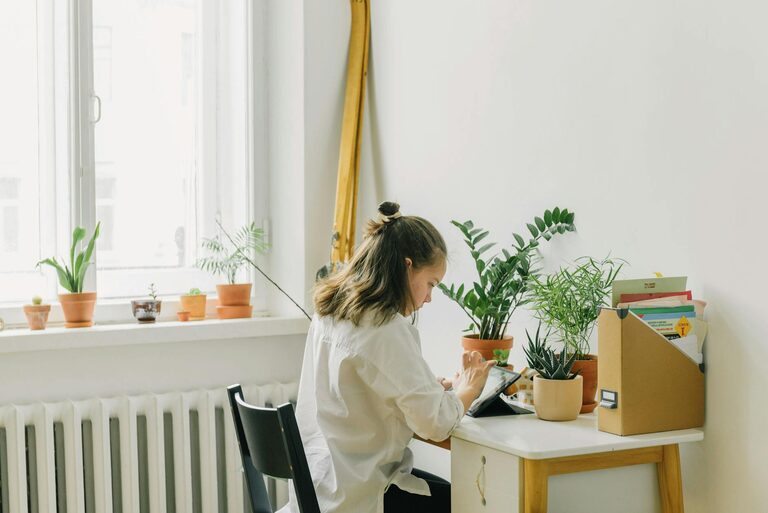
Position your desk near a window if possible. Natural light improves mood and reduces eye strain. If natural light is limited, invest in good quality lighting that mimics daylight.
Minimise Distractions
Find a quiet corner or a separate room where interruptions are few. This helps you concentrate better and signals to others that you’re working.
Invest in Comfortable Furniture
Ergonomic Chair
Choose a chair that supports your back and allows adjustable height. Comfort helps prevent aches and boosts focus.
Suitable Desk
Your desk should provide enough space for your computer, paperwork, and any other tools you use. Consider adjustable desks if you want to alternate between sitting and standing.
Keep the Space Organised
Declutter Regularly
A tidy workspace helps clear your mind. Remove unnecessary items and store supplies in dedicated places.
Storage Solutions
Use shelves, drawers, and organisers to keep everything neat. Labelled boxes or trays can simplify finding what you need.
Personalise Your Space
Add Soft Textiles
Incorporate cushions, rugs, or throws to soften the environment. These small touches add warmth and make the room feel inviting.
Display Inspiring Items
Photos, artwork, or plants can boost your creativity and create a positive atmosphere. Just be careful not to overcrowd the space.
Manage Technology Smartly
Efficient Cable Management
Use clips, sleeves, or boxes to keep cords tidy. This prevents tangling and keeps the desk looking clean.
Reliable Equipment
Make sure your computer, keyboard, and mouse are comfortable to use and work smoothly. Slow or faulty gear can hinder your productivity.
Optimise for Good Air Quality
Ventilation
Keep the room ventilated to maintain fresh air. Poor air quality can affect concentration.
Add Plants
Indoor plants are known to improve air quality and add life to the space. Choose low-maintenance varieties if you’re new to plant care.
Set Boundaries
Signal Work Time
Use visual cues like closing the door or a specific chair to mark work hours. This helps separate work life from relaxation.
Take Regular Breaks
Structure your day with pauses to stretch and refresh. This boosts energy and reduces burnout.
Lighting Tips for Evening Work
Beyond daylight, consider adjustable desk lamps with warm light settings. Avoid harsh fluorescent tubes which can cause eye fatigue over time.
Colour Choices
Opt for calming or neutral colours on walls and furniture to create a soothing environment. Soft blues, greens, or warm neutrals promote focus and calmness.
Final Thoughts
Designing a cosy and productive home office involves balancing comfort with functionality. By choosing the right location, investing in ergonomic furniture, keeping the area organised, and adding personal touches, you create a space where work feels less like a chore and more like a pleasure. Remember, your home office should support your well-being as much as your work output. With these tips, you’re well on your way to crafting a workspace that suits your style and needs perfectly.
Related Post

Tips for Creating a Productive Home Office Space
Creating a productive home office space is essential for anyone working remotely or managing tasks…